
FS Switch Console
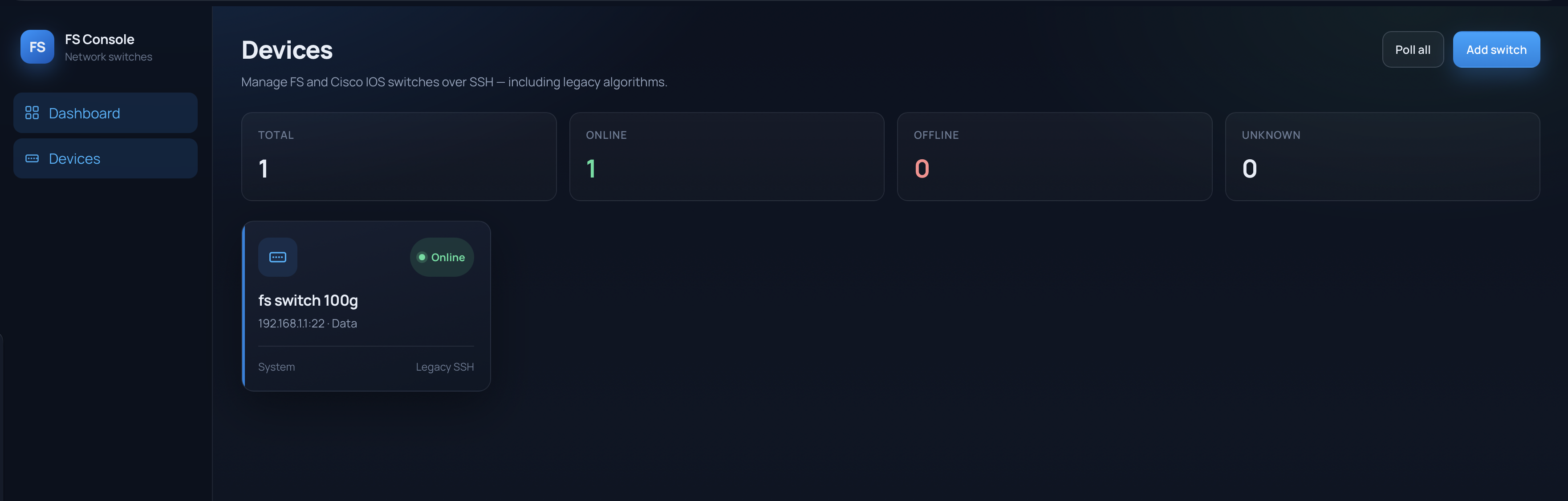
A UniFi-inspired web console for managing FS and Cisco IOS switches over SSH — including the legacy crypto stacks older firmware still requires. Inventory the gear, pull live ports and VLANs, push interface config, run a guarded CLI. No vendor GUI fight. No OpenSSH “no matching key exchange method” loop.
Why it exists
Lab and production switches do not always keep up with modern SSH defaults.
diffie-hellman-group1-sha1, ssh-rsa, CBC ciphers — the stuff
current clients refuse by default — still show up on older FS and IOS boxes.
I wanted one dark console that could talk to that gear from a browser, keep
credentials encrypted at rest, and still feel like a real ops tool instead of
a pile of ad-hoc ssh aliases.
What it does
- Add switches with host, SSH port, user/password, optional enable password, notes
- Legacy SSH toggle (on by default) for old KEX / host keys / ciphers / MACs
- Test SSH before save; poll all for online / offline
- Device tabs: Overview · Ports · VLANs · Config · CLI
- Live stats from IOS-style shows (
show version, interface status, VLAN brief, etc.) - Ports editor: multi-select, preview generated IOS lines, apply + optional
write memory - Ad-hoc CLI with hard blocks for destructive commands (
reload,write erase, …)
Stack
- Backend — Python, FastAPI, asyncssh, SQLAlchemy + SQLite
- Frontend — React + Vite, UniFi-ish dark UI
- Secrets — Fernet encryption keyed by
FSSWITCH_SECRET_KEY - Deploy — Docker image serving API + static SPA on port 8080, or host via
./start-local.sh
Architecture (short)
Browser hits same-origin /api/*. FastAPI decrypts stored credentials,
opens an interactive IOS session over asyncssh (enable password, terminal length 0,
pager handling), parses show-output into JSON for the UI. SQLite holds inventory and
encrypted secrets — not live port state. That stays pulled on demand so older SSH
stacks do not get hammered.
The networking gotcha
Docker Desktop on macOS often cannot reach switches hanging off a secondary Ethernet
adapter. For that setup I run the console on the host with ./start-local.sh
so SSH uses the Mac’s real network stack. Docker is fine when the container can
actually route to the switches.
Safety notes
This is a lab / personal tool, not a multi-user NMS. There is no web login — if you can hit the port, you can drive switches. Destructive CLI strings are blocked; config apply still changes live devices. Prefer a lab switch first. Never commit the secret key or a database that holds real passwords.
What’s working vs next
- Done: legacy SSH path, inventory, live ports/VLANs, config apply, guarded CLI, Docker + local start
- Next: optional app auth so LAN exposure is less scary
- Next: richer port templates and bulk VLAN helpers
- Next: better offline / reconnect UX when a switch flaps
Related: UniFi on the home stack, and Jimbo’s Rack for the glance display that sits next to this gear.